Easy for your guests
Scan a code and browse the menu in a phone’s browser. No dedicated menu app to install.

An update for our visitors
But your next great menu is still on the table. Visit our working QR menu generator to create a digital menu with your restaurant’s details, dishes and logo.
Generate your QR menuContinue to qr.codewebsolutions.in
This page is a signpost. Please use the website above to create and download your actual QR menu.
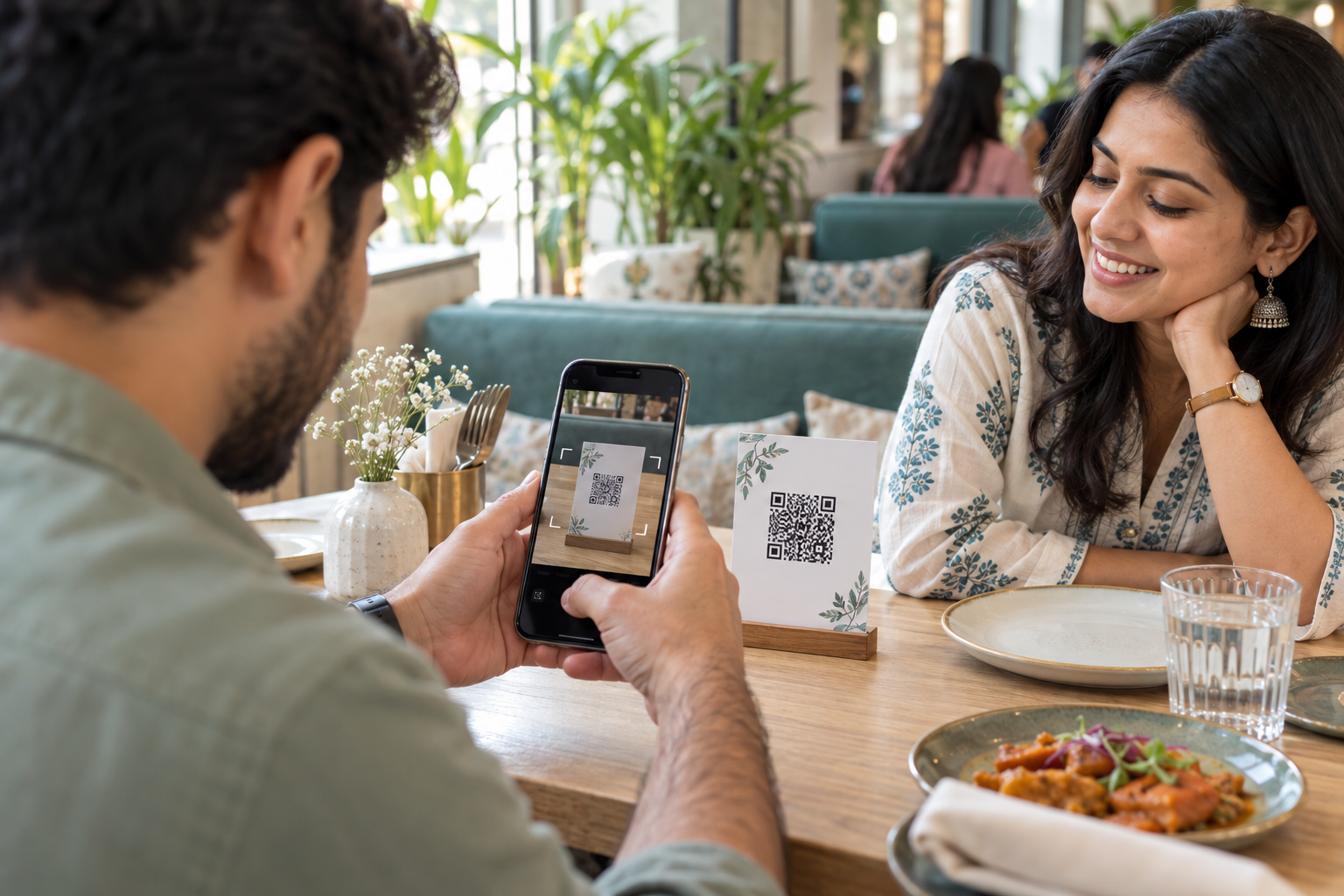

Scan this code with your phone camera to open the generator. Ready to make your own?
Same table. A different experience.
Less paper on the table. Your menu on a familiar screen. Explore what each option offers.
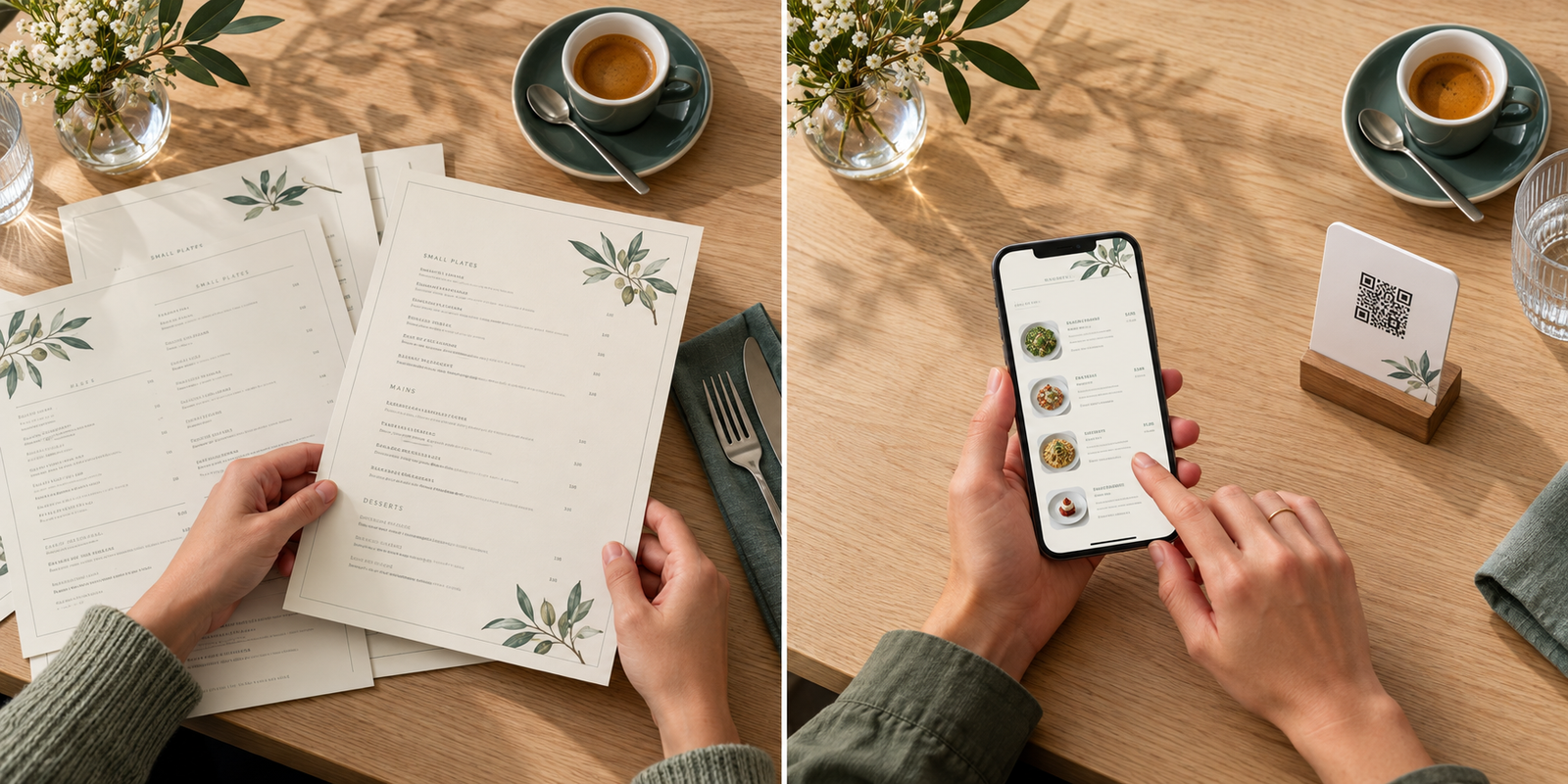
QR menus give guests another way to browse without passing around full-size menu cards. Keep printed copies available for anyone who prefers them.
Less paper. More possibility.
A simple way to bring your restaurant’s menu to the screen your guests already have with them.
Scan a code and browse the menu in a phone’s browser. No dedicated menu app to install.
Give guests a digital alternative to printed menus and reduce the need for extra paper copies.
Bring your restaurant’s name, logo, dishes and prices together in one branded menu.
Put your QR on tables, counters or takeaway packaging. Share the menu link online, too.
No dedicated menu app is needed. A compatible phone camera or QR scanner opens the menu link in a browser. Guests need an internet connection to load the menu.
Yes, it is helpful to keep a printed option for guests who do not have a suitable phone, have limited connectivity, or simply prefer paper. A QR menu adds convenience without removing that choice.
Select “Generate your QR menu” to visit qr.codewebsolutions.in. Enter your restaurant details, upload your logo and add your dishes. Follow the payment and approval steps on that website, then download the QR code for your menu.